
Integrations
Add AI-powered ski clip analysis to your website and give potential students a taste of your coaching expertise. Each clip is an opportunity to connect with new students and sell lessons.
Used by ski schools
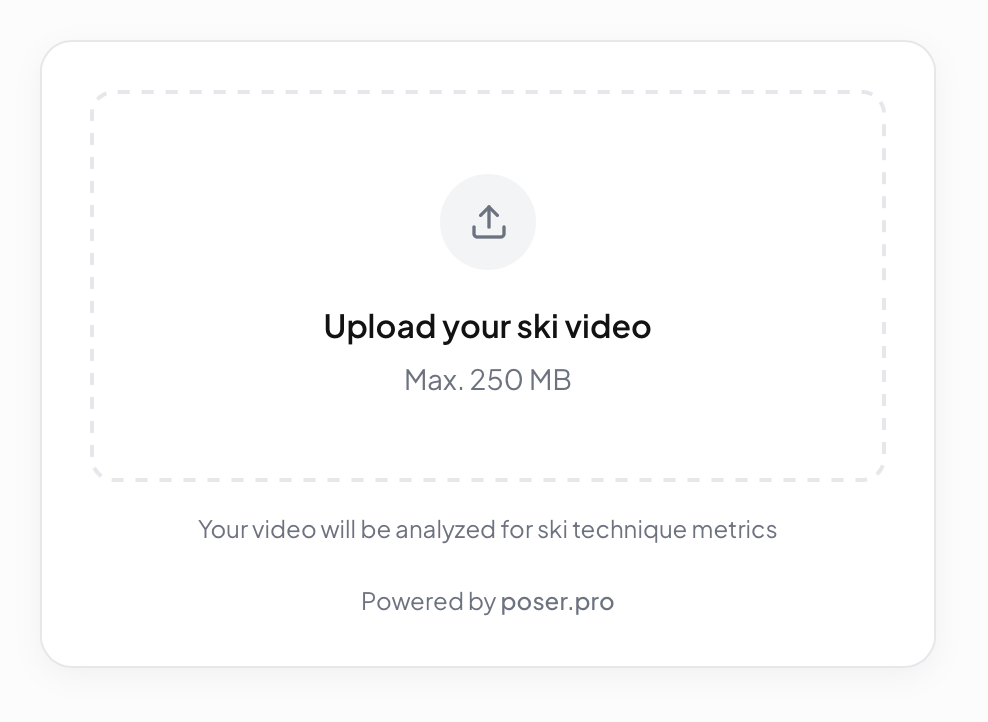
See the Poser Upload Widget in action on real websites.
Add the Poser Upload Widget to your website
Add AI-powered ski clip analysis to your site in minutes.
Instant setup
One snippet of JavaScript. No backend or build step required.
Works everywhere
Responsive from mobile to desktop. HTTPS-ready for production.
1. Create a Poser Upload Widget
Go to your account settings and create an upload widget. Copy the widget ID. You will need it in the next step.
2. Paste this script block into your HTML
Replace YOUR_UPLOAD_WIDGET_ID with the widget ID from step 1.
<script src="https://js.poser.pro/poser.js"></script>

<script>
  window.addEventListener("load", () => {
    window.PoserUploadWidget.mount("#poser-upload-widget", { uploadWidgetId: "YOUR_UPLOAD_WIDGET_ID" });
  });
</script>
3. Put this where you want the widget to appear
Add this element wherever you want the Poser Upload Widget to render.
<div id="poser-upload-widget"></div>
- Production domains must be configured before the upload widget will load.
- If your site uses a strict Content Security Policy, allow `https://js.poser.pro` for scripts and `https://poser.pro` for API requests.
- If the widget does not load, check the browser console and network panel for blocked `poser.js` loads or failed `/api/upload-widget/...` requests.
Need help?
If you run into any issues setting up the Poser Upload Widget, our team is happy to help.
Please sign in to contact support.