
FROM UPLOAD TO FEEDBACK
How Poser turns ski video into technique feedback
From upload to skier tracking, pose estimation, replay, and movement feedback.
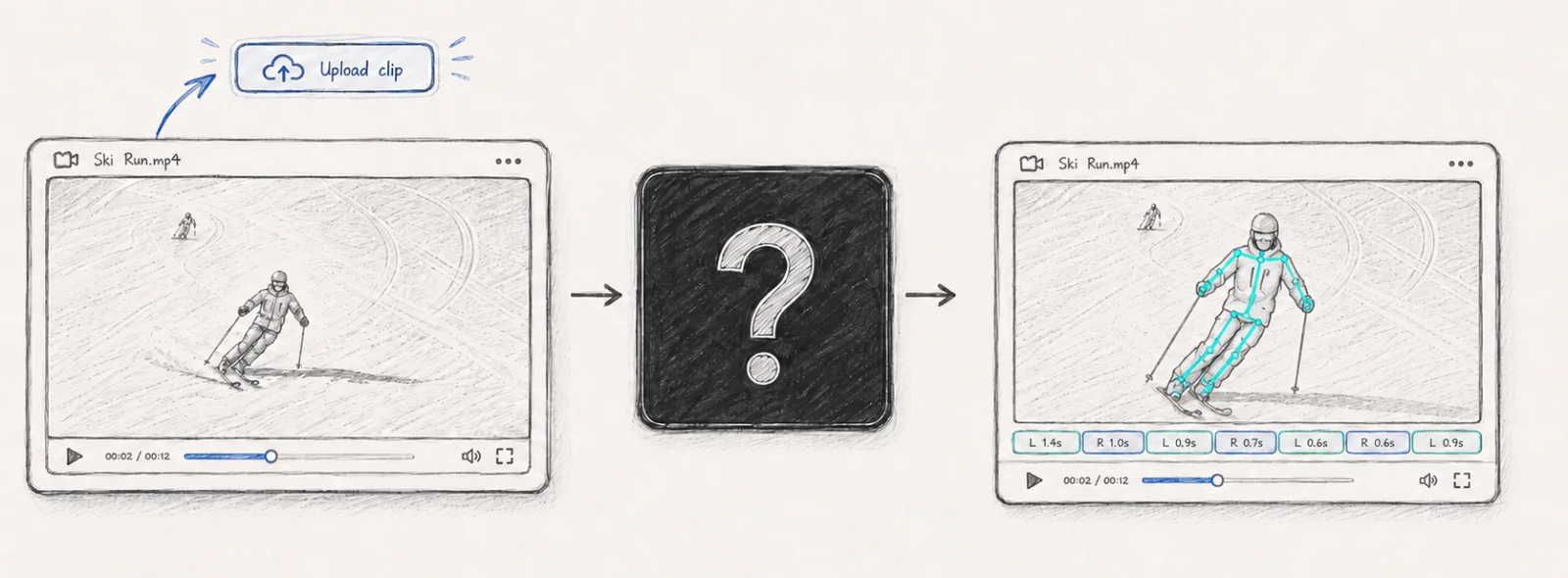
1. Standardize the clip
After upload, Poser trims the clip to the useful section and standardizes the video so the rest of the analysis pipeline works from a consistent input.
Clear footage still matters. The best ski clips show the skier from the front, keep the skier large in frame with clear contours, and include several linked turns.
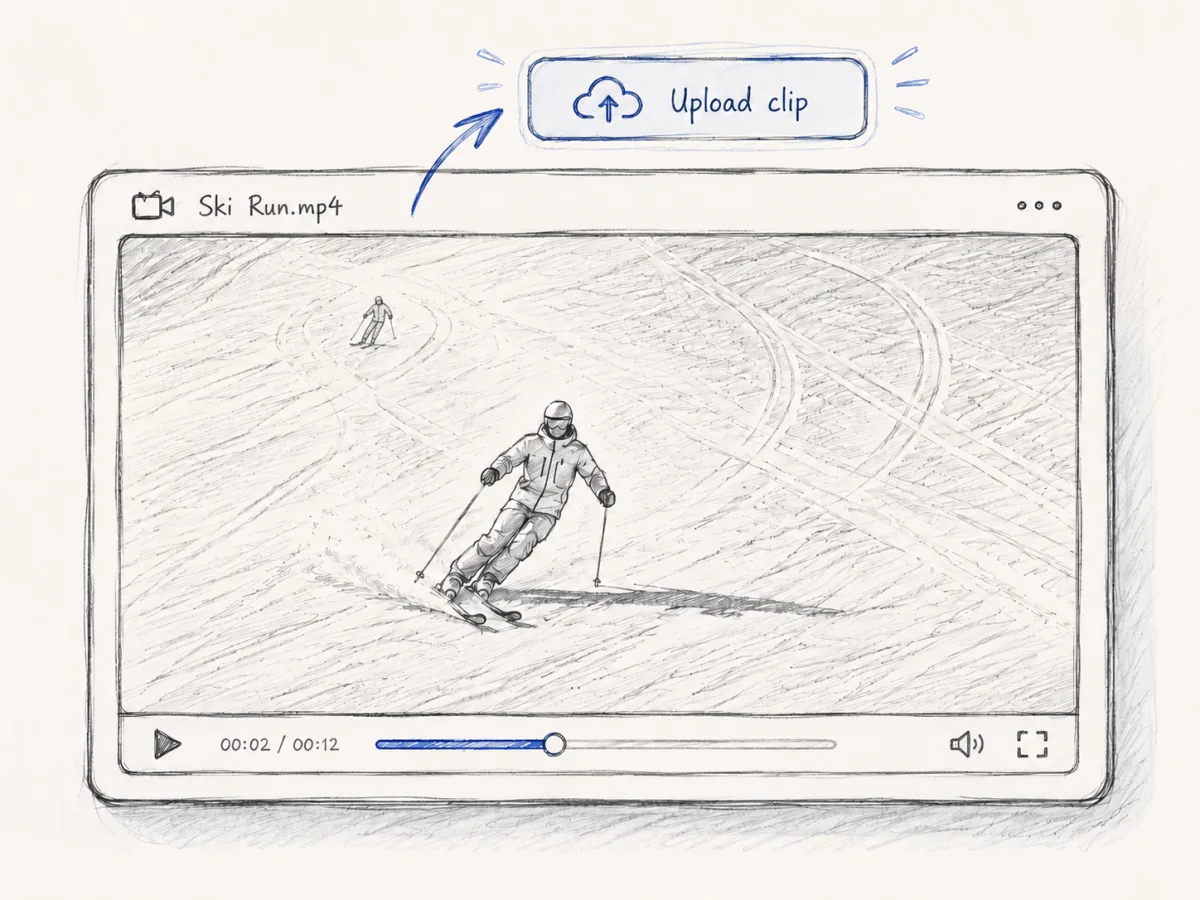
2. Find the primary skier
Before Poser can calculate anything about movement, it needs to know which person in the video is the skier to analyze. It scans through the clip and identifies the primary skier across the run.
This is simple when one skier is clearly visible, but real ski footage often includes people crossing in front, lift traffic, or background skiers. The primary-skier step tells the rest of the pipeline who to follow.
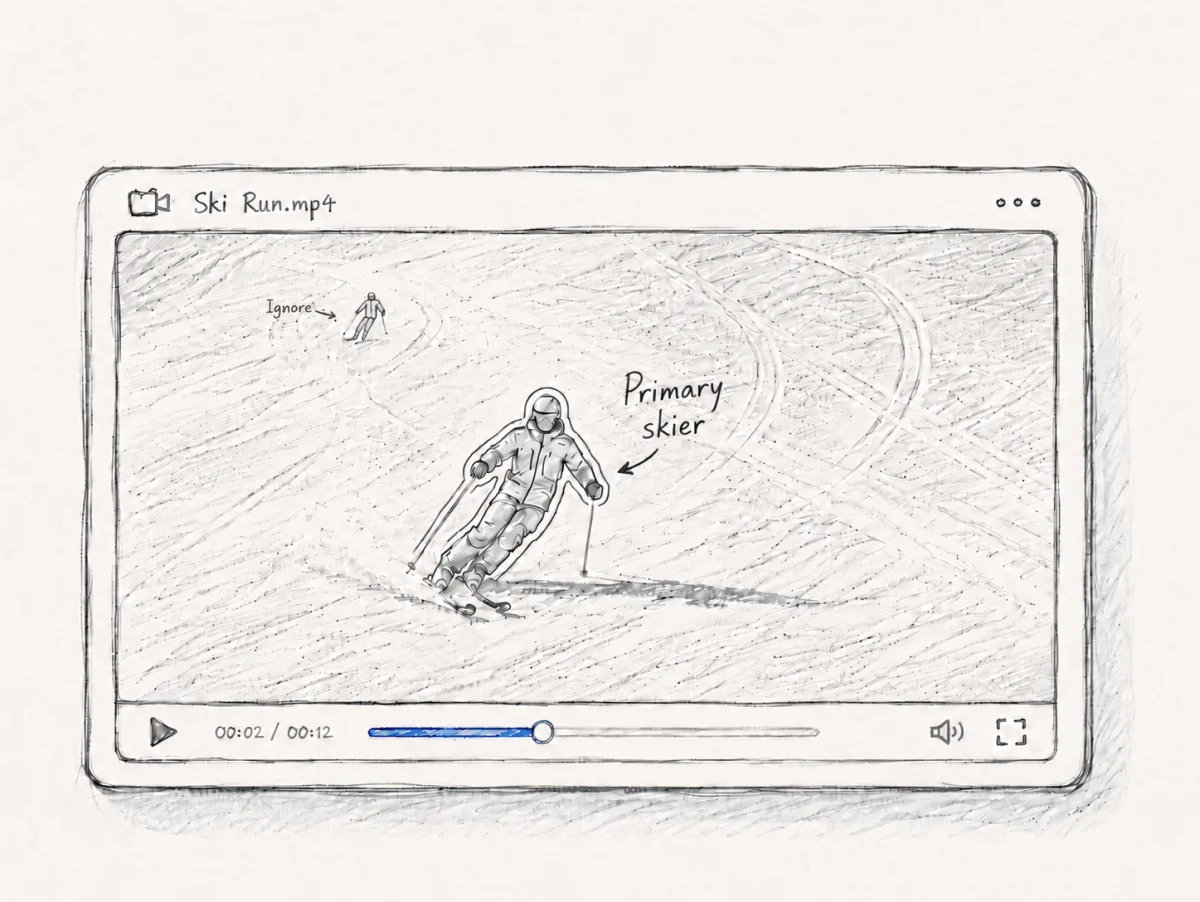
3. Track the skier frame by frame
Once Poser knows who to follow, it tracks exactly where that skier is in every frame. At this stage, the system builds a segmentation mask: a clear outline of the skier's body and equipment against the rest of the video.
That frame-by-frame tracking is the foundation for the visual outputs. It is what lets Poser isolate the skier, keep the skier centered in replay views, and pass a clean movement target into pose estimation.
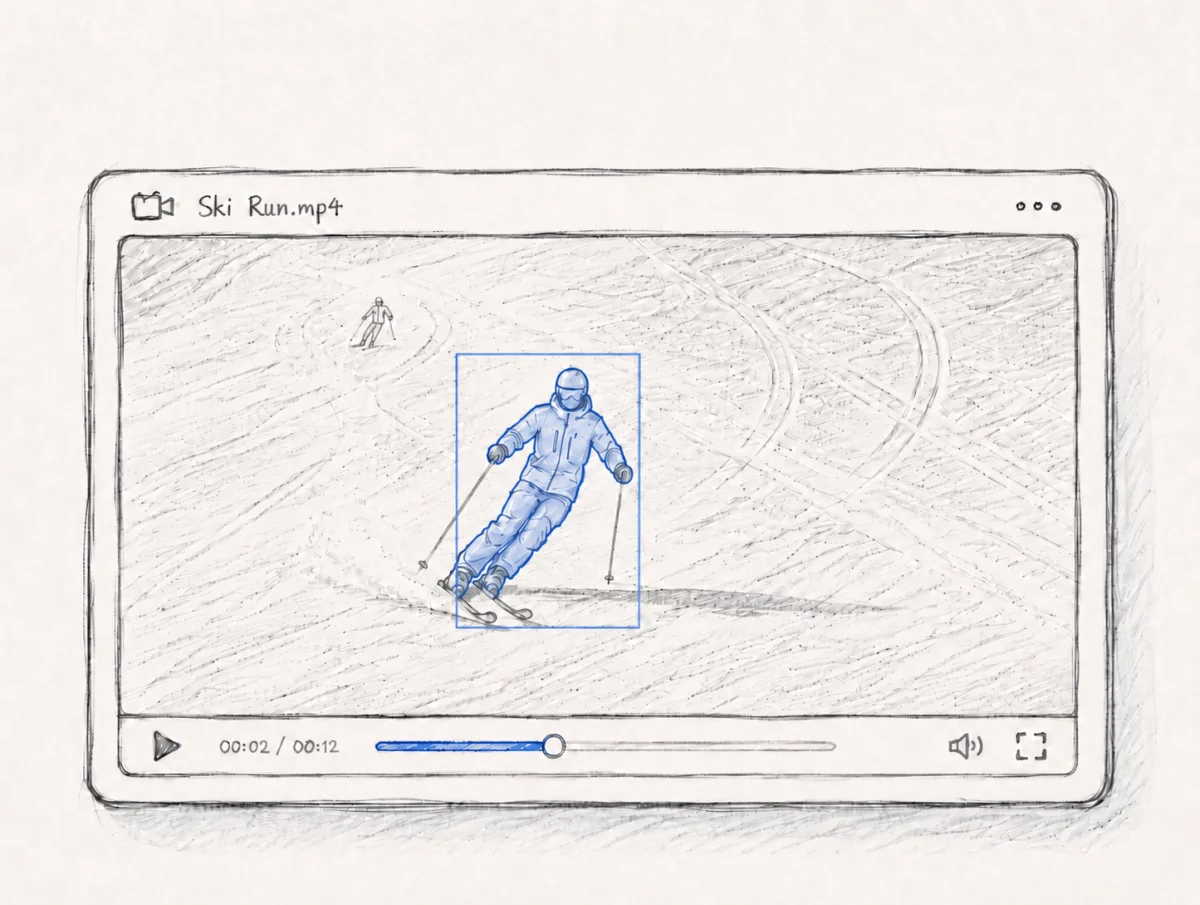
4. Estimate 3D body pose
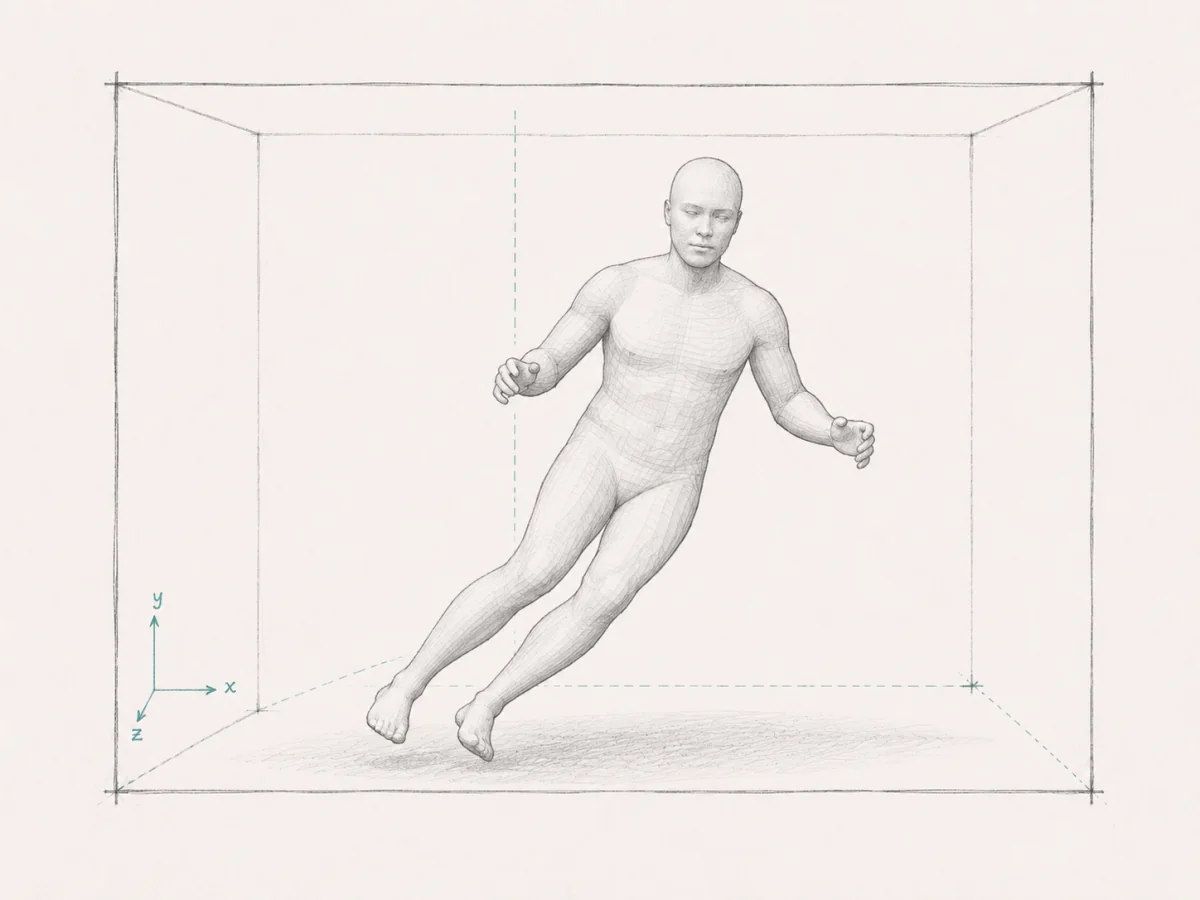
With the skier tracked, Poser estimates 3D body position for each frame. In practical terms, Poser infers where the major body joints are at every frame of the clip so the skier's stance and movement can be represented as a moving 3D body model.
This pose-estimation step turns the tracked skier into a structured movement signal for overlays, 3D replay, turn detection, and metrics.
5. Apply temporal smoothing
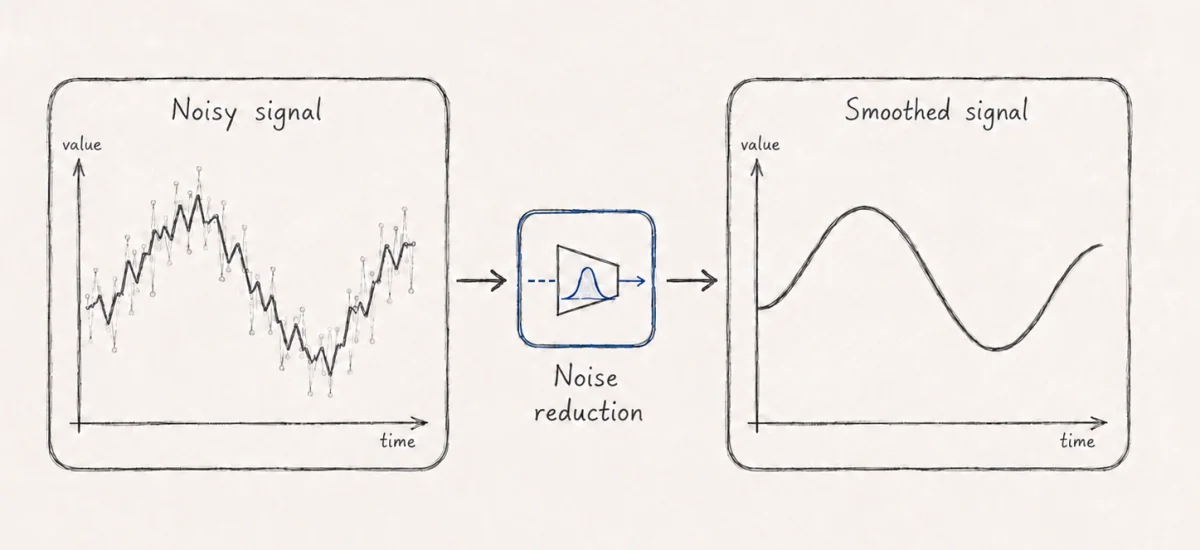
Raw pose estimates can jump frame to frame, especially when the skier is small in frame, contours are flat or limbs are occluded (hidden, e.g. behind other body parts or terrain). Poser smooths the estimated body motion over time without shifting the timing, so the movement signal stays stable without washing out the skier's timing.
That temporal smoothing step keeps downstream turn detection, technique metrics, skeleton overlays, and head-tracked replay outputs more correct and easier to read.
6. Detect turns, calculate metrics, and build outputs
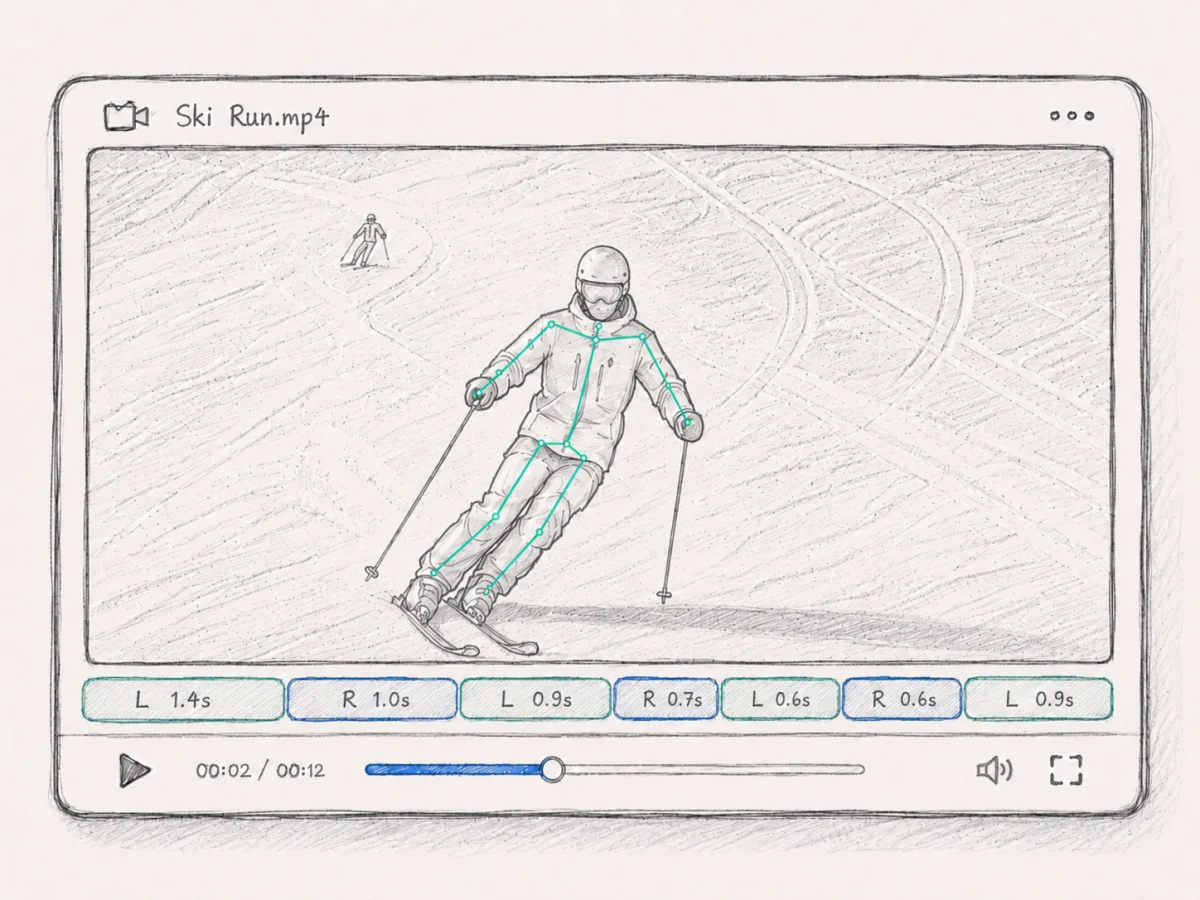
Turn detection comes first because most ski metrics depend on turn timing. Once Poser knows where each turn starts and ends, it can calculate movement observations such as edging similarity, angulation, and center-of-gravity placement in the right phase of the turn.
Finally, Poser creates the outputs you can review in the frontend: skeleton overlays projected back onto the video, head-tracked replay views, turn data, and metric displays that make the analysis easier to inspect.
Use your own ski clip as the test.
Replay output is most useful when it comes from a turn you remember. Upload one clear clip and review it slowly.